Guide to Tapter
All Tapter blocks and every variation on one page. Scroll and see how each one looks.
This is a live guide to Tapter. Below you'll find every block type and all their variations — exactly as a visitor sees them. Scroll through and see what you can build your own page from.
A button opens a link and can have a caption. Below are all 13 preset styles and one with your own colors (custom).
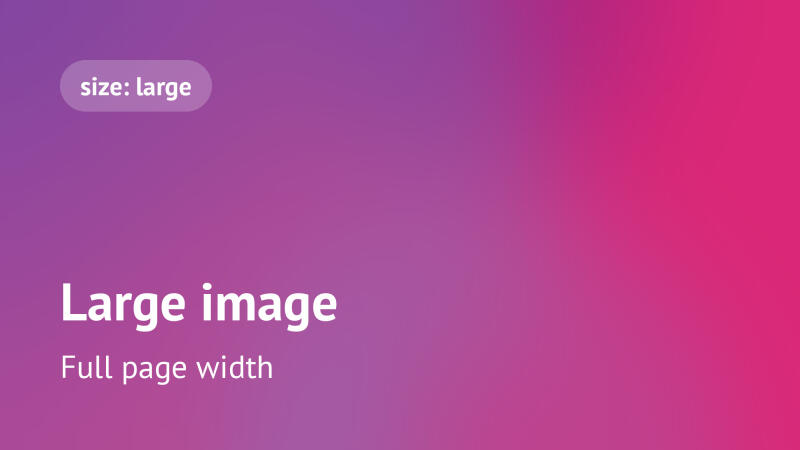
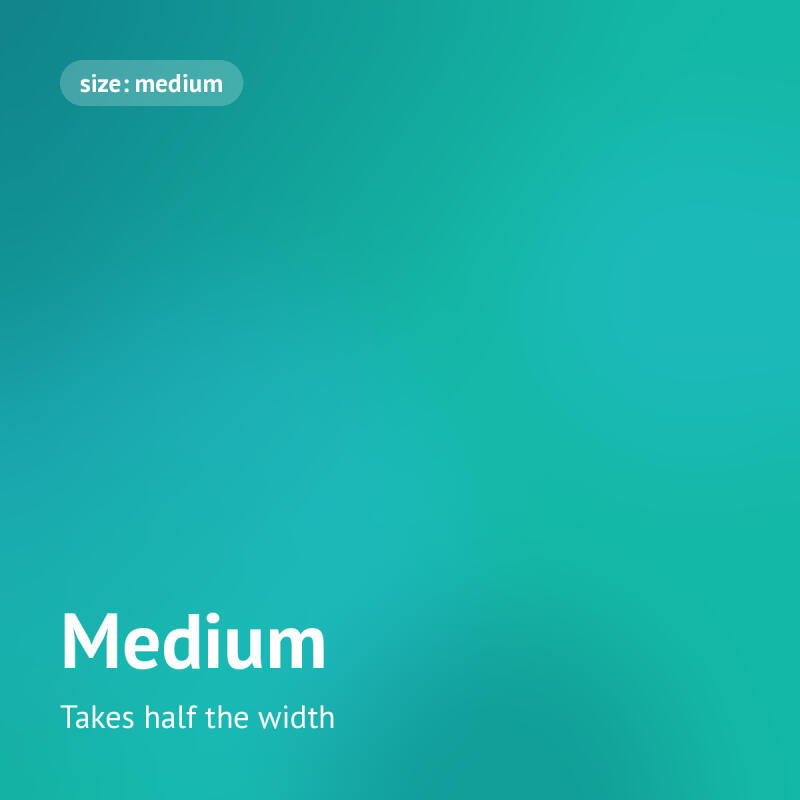
A single image in three sizes: large, medium (two fit in one row) and small. Any of them can be a link.
A swipeable set of images — from 1 to 30. Each slide can have a caption and a link. Tap an image to open it larger.
The release card gathers links to every platform automatically — Apple Music, Spotify, YouTube Music, Deezer, Yandex Music and Tidal. Below is the track Ayau — ashy / tatti in two styling examples. There are 7 styles in total: Tapter, Bubble, Light, Gradient, Brutal, Cyber and Minimal.

And here's the same track in another style — compare it with «Tapter» above.
An embedded YouTube player — a clip, interview or overview right on the page. Just paste any link to a video.
A «question — answer» list. Good for FAQs and long texts. There are 2 styles: card and plain.
A form collects leads right on the page — no website, no “DM me”. Fields come from ready-made types: text, phone with a mask, email, long text, select, checkbox and date — from 1 to 15 fields. Every submission reaches you instantly in Telegram and by email.
The form can be shown inline (framed or plain) or as a button — all three variations below use the same live form. Feel free to fill it in: it's a demo.
Fields are visible right away — the visitor doesn't have to tap anything. The form sits in a card with a border and a background.
The same form without the card — the fields sit right on the page.
Only a button stands on the page; the form opens over it. The button supports the same 13 styles and custom colors as a regular button, plus a small caption.
One form can be placed on several pages — the leads land in one list, each showing where it came from.
A thin horizontal line with no settings. It splits the page into logical sections so it's easier to read. We've already used it between every section above — here's how it looks on its own:
You've gone through every block type: buttons, images, gallery, music, video, text, lists, lead forms and dividers. Build your own page from them — in any order and combination.
Other language versions of this guide: