
Светло-бежевый фон с логотипом 'tapter', включающим желтый круг и светло-зеленую прямоугольную фигуру. Под логотипом расположен текст на русском языке: 'Многофункциональная ссылка в био для любых целей.'.
Горчично-желтый круг под расположенным по диагонали светло-зеленым прямоугольником со скругленными углами на белом фоне.
Story cards
Your page, or an answer to a question, as a ready-made 1080×1920 image. Save it, post it to stories, add the link sticker.
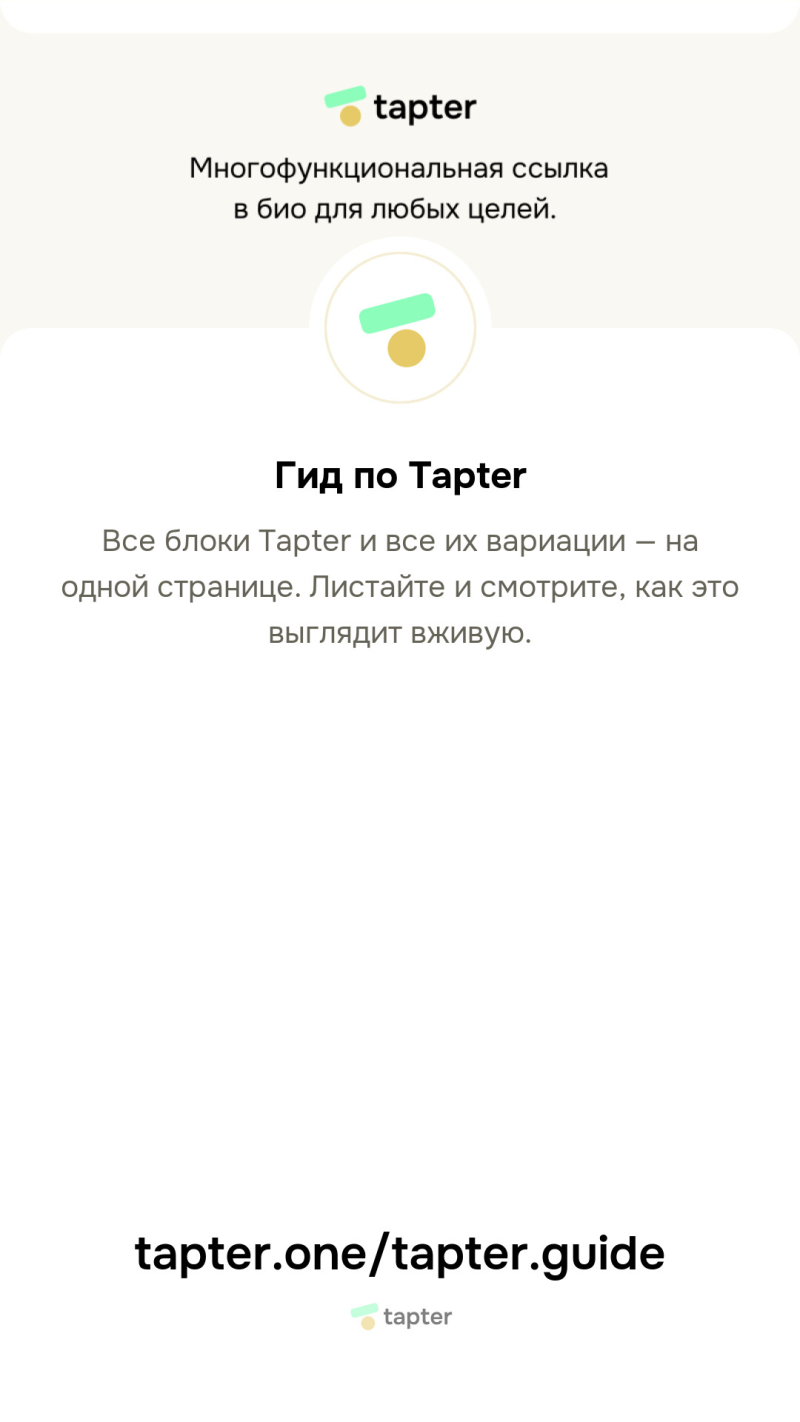
This is what you get in one tap. Not a mockup — Tapter drew it.
What this is

Tapter draws a ready 1080×1920 image — exactly the stories format. Two kinds:

  • Your page — background, avatar, name, description and the address in large type.
  • An answer — a question and your reply from the “Ask me” block.

Nothing to assemble in Canva, no screenshots with a browser bar across the top.

Where to find it
  1. On your own page — the owner actions button → “Story image”.
  2. On the Questions page — “Share to stories” next to every answer.
  3. The image is saved to your gallery — post it and add the link sticker.
FAQ
Is the image itself clickable?
No, it is an image. Put the link sticker on top of it — the page address is printed at the bottom of the card anyway, so people see it either way.
What size is it?
1080×1920 — the vertical stories format, no bars and no cropping.
Will the card go stale if I edit my page?
No. It is redrawn after your edits, so you always share the current version.
What about dark mode?
The card takes the palette of your page theme, so light and dark look different.
Where does the answer card come from?
From the “Ask me” block: answer a question and a “Share to stories” button appears next to your reply.
More of what's new
Другие языки · Other languages