Any MCP client × Tapter
Windsurf, Zed, Raycast, Cline, n8n and everything else. One universal guide: one address, one sign-in, no keys.
Tapter is an ordinary remote MCP server. If your client speaks MCP over HTTP, it will connect — no keys, no tokens, no password.
The only thing you need to enter:
https://tapter.one/mcp
The transport is Streamable HTTP. Authorisation is OAuth with automatic client registration: you don’t have to create an app or issue a client_id yourself.
The most common one. This is how the configs of Cursor, Windsurf, Cline and many others are built:
{ "mcpServers": { "tapter": { "url": "https://tapter.one/mcp" } } }
If the client wants the transport spelled out (VS Code, for example):
{ "servers": { "tapter": { "type": "http", "url": "https://tapter.one/mcp" } } }
You’ll also meet other field names: httpUrl in Gemini CLI, serverUrl in Antigravity. The address is the same everywhere.
Older clients can only run local commands (stdio). There’s an adapter for them:
npx mcp-remote https://tapter.one/mcp
It raises a local bridge to the remote server and opens the browser for sign-in itself.
On the first connection a Tapter window opens asking for access. Check the app name and click Allow.
Then ask the agent: “show my Tapter links”. If it answers, everything works.
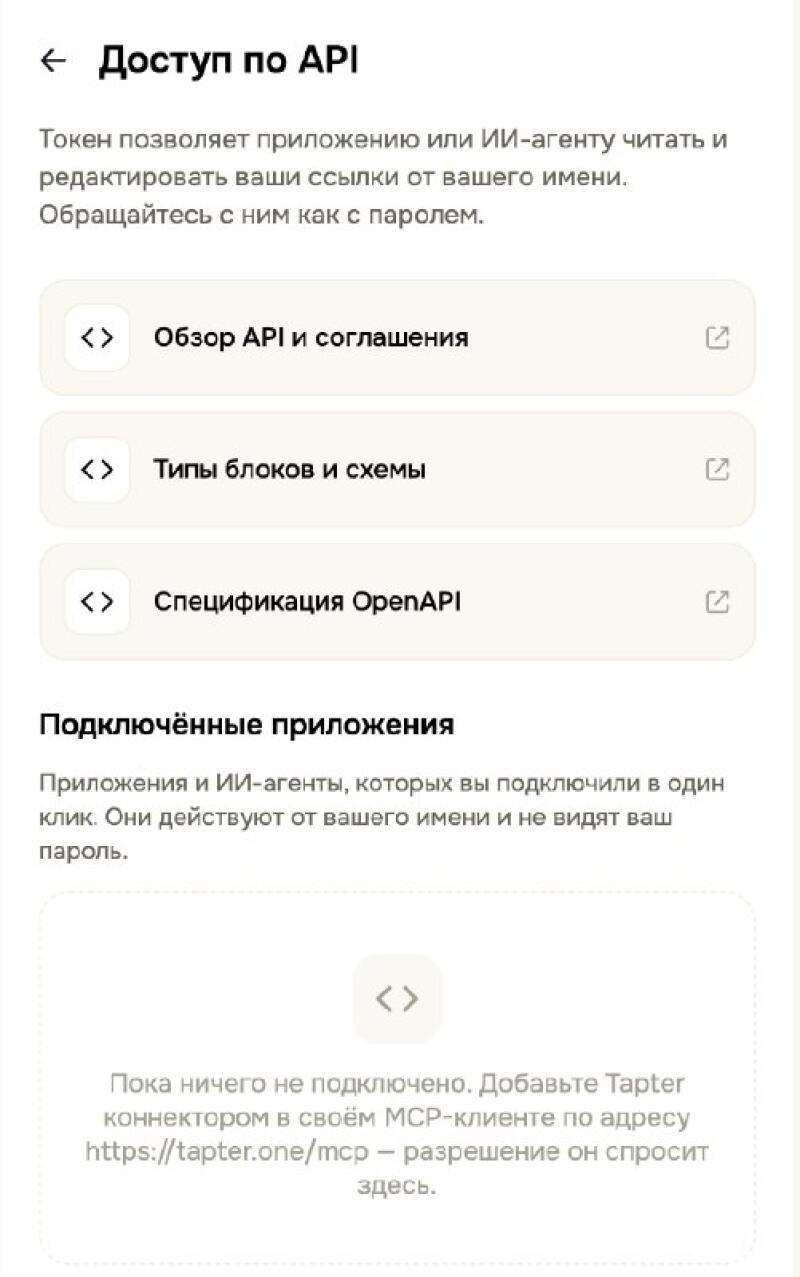
Every connected app and AI agent is visible in the Tapter app: Settings → API access. The API overview, block schemas and the OpenAPI spec live there too — along with the disconnect button.